AI TOOL / #08230
ChaptersAI
The GPT client designed for branched conversations is ideal for complex projects and in-depth analyses.
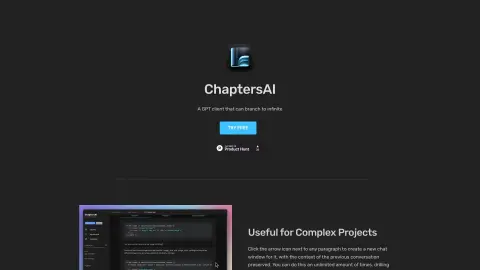
Introduction
GPT client for branching conversations, ideal for complex projects and detailed analysis.
What is ChaptersAI?
ChaptersAI is a GPT client that allows users to assign each paragraph to a separate chat window. This feature is extremely useful for working on large-scale projects and for conducting in-depth analysis of individual components. After assigning paragraphs to separate windows, users can create corresponding chat versions for each section. The project data is stored locally within the browser, ensuring privacy and security.
How to use ChaptersAI?
Click the arrow icon next to any paragraph to open a new chat window while preserving the context of the previous conversation. You can delve deeper into the details or easily return to the starting point of the discussion. You are also able to create new versions of the chat and edit system-generated messages.
The core features of ChaptersAI
The branch chat window, which is used for detailed analysis.
Version control for branch-based chats
Local storage ensures privacy and security.
System message editing
Related
Yoptio
An AI-powered RSS reader that offers clearer and more manageable ways to subscribe to news updates.
Text Explorer
AI-powered tools optimize the reading experience by highlighting relevant information and keywords.
AI Text Summarizer
A free AI text summarization tool that quickly analyzes long texts and helps save time.
AI Summarizer best
Free AI tool designed to summarize long articles and texts, supporting multiple languages.
RSSkit – Refined RSS reader
An RSS reader that features AI-based summarization, reading views, as well as filtering and search capabilities.
AISum
Browser extension that quickly delivers concise news summaries.