AI TOOL / #07230
hahaOCR
Extract text from the image; press the ESC key to exit.
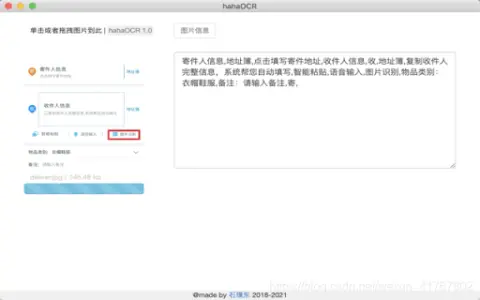
Introduction
Extract text from images and exit with ESC.
What are the Image to Text and ESC Exit App AI Chrome extensions/plugs?
This application allows users to extract text from images and convert it into editable text. Users can upload images by clicking a button and exit the application by pressing the “ESC” key.
How to use the Image to Text & ESC Exit App AI Chrome extension/plug-in?
Click the upload button to select an image. The application will automatically extract the text from the image and display it. Press the “ESC” key to exit the application.
The core functionality of the Image to Text and ESC Exit App AI Chrome extension/plugin.
Image to Text conversion
Use the ESC key to exit the function.
Related
10Web
An AI-powered WordPress platform, ideal for building, hosting, and scaling websites.
Username Generator
An artificial intelligence-powered username generator, designed to create personalized and unique usernames for various platforms.
Namefinder.ai
A free commercial and domain name generator powered by AI, which also includes a feature to check the availability of domain names.
Ideately
Collaborative AI tools designed for structured brainstorming, review sessions, and strategic meetings.
SocioSim
An AI-powered survey platform that provides real-time feedback and simulates how an audience would respond.
Progr.io
An AI-powered SaaS tool designed for project conceptualization, tracking, and refinement.