AI TOOL / #07166
GetSearchablePDF
Use OCR technology to convert PDF files into searchable documents.
Introduction
Converts PDFs to searchable documents using OCR.
What is GetSearchablePDF?
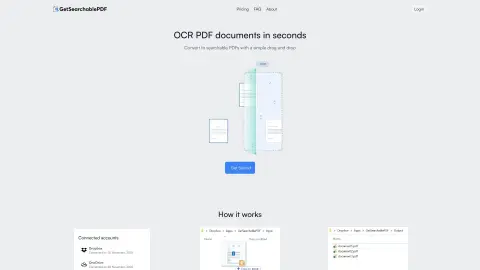
GetSearchablePDF is a service that converts PDF documents into searchable formats by utilizing OCR (Optical Character Recognition) technology. It enables users to transform scanned documents, screenshots, handwritten text, and photos into searchable files. The service places emphasis on ease of use, accuracy, and security; after processing, the files are automatically deleted within 10 minutes. It offers a subscription-based pricing model and also provides a free trial that includes 10 credits.
How to use GetSearchablePDF?
1. Connect your Dropbox or OneDrive account.
2. Drag and drop the PDF file into the input folder (or copy and paste it there).
3. Obtain a searchable PDF file!
The core functionality of GetSearchablePDF
First-class OCR accuracy
Secure file processing (files are automatically deleted after 10 minutes).
Supports handwritten text.
Convert scanned PDF files, screenshots, handwritten text, and photos.
Related
No Porn
An AI-powered porn blocker with parental controls to ensure a safe online experience.
Originality
Originality.ai: AI and plagiarism checker for content integrity.
TimelyGrader
AI grading assistant that helps teachers streamline feedback and grading, with human oversight.
Double Check AI extension
An AI-powered homework and test solver that helps students verify their answers and improve their learning outcomes.
RateMyJD by Dover
Smart tools are used to improve job descriptions and attract top-tier talents.
CoverSentry
Using AI to write cover letters? It’s best to scan it before sending.