AI TOOL / #06273
Voisi AI
A multi-functional AI speech and language converter that enables text-to-speech, speech-to-text conversion, as well as translation capabilities.
Introduction
Multi-AI voice and language converter with text-to-voice, voice-to-text, and translation capabilities.
What is Voisi AI?
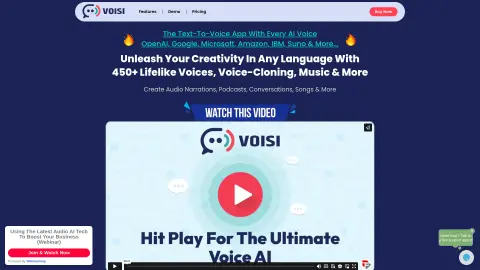
Voisi AI is a multi-functional AI tool for voice and language conversion. It enables users to convert text into speech, speech into text, and perform translations in any language, offering access to hundreds of different voices. It supports the creation of conversations, narrations, and translations, and utilizes technologies from leading AI providers such as OpenAI, Google, Microsoft, Amazon, and IBM.
How to use Voisi AI?
Users can convert text into speech by entering the text and selecting an available voice option. Speech can also be converted back into text by uploading an audio file. Simply enter the text or audio and select the target language to proceed with the translation. Additionally, workflows can be created to automate repetitive tasks.
The core features of Voisi AI
Text to Speech
Speech to Text
multilingual translation
voice cloning
Music and song generation
Dialogue creation
Workflow automation
Related
Mixflow.AI
An AI-powered unlimited canvas, designed for creative collaboration and enhanced productivity.
Huddles
An AI-based meeting recording tool to help collaborative teams improve meeting efficiency.
TalkNotes
AI voice note taking app for transcribing, summarizing, and structured voice recordings.
tl;dv
AI-based note-taking assistants for Zoom, MS Teams, and Google Meet – help you record, transcribe, and summarize meetings.
Unmixr AI
An integrated platform that offers AI-powered voice synthesis, transcription, editing tools, chat functionality, templates, and image generation services.
ParsePrompt
A Chrome extension designed to send media data to AI systems for processing, offering options for formatting and integration.