AI TOOL / #02732
texts.com
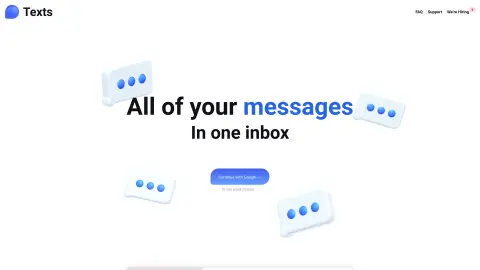
Texts combines multiple messaging platforms into a single inbox with AI assistance and privacy protection.
Introduction
Texts consolidates multiple messaging platforms into one inbox with AI assistance and privacy.
What are Texts?
Texts is a messaging app that combines multiple messaging platforms into one inbox. It supports iMessage, WhatsApp, Telegram, Signal, Messenger, Instagram, LinkedIn, Slack, and Discord direct messages. Texts prioritizes user privacy by ensuring messages are encrypted and sent directly to the messaging platform without going through Texts’ servers. It offers features like AI-assisted summarization, draft replies, translation, advanced search, archiving, incognito mode, scheduled sending, reminders, keyboard shortcuts, and a customizable user interface.
How to use Texts?
Download Texts for Windows, or sign up via Google or email. Connect your various messaging accounts to the app to manage all your messages in one place. Enhance your messaging experience with features like AI summaries, scheduled sending, and incognito mode.
Core features of Texts
Unified inbox for multiple messaging platforms
AI-assisted chat summaries and draft responses
message translation
Advanced search features
Messages are sent regularly
Incognito mode to read messages without notifying the sender
Customizable user interface
Related
Reika
A programming CLI designed for small, local models
AgentGit
Save the AI-powered conversation data in a Git repository.
NOVA CLI
AI developers who will run tests in the terminal to verify their changes
Oh So Video
A collection of free video widgets processed natively in the browser
PoloX AI
AI Image and Video Creation Platform with Intelligent Agents and an Unlimited Canvas
Harmony
An AI service desk that automatically handles IT tickets in Slack