AI TOOL / #10766
Transcribe YouTube Video
Chrome extension for YouTube transcription, summarization and navigation.
Introduction
Chrome extension for YouTube transcription, summarization, and navigation.
What is Transcribe YouTube Video ai chrome extension/plugin?
Transcribe YouTube Videos is a Chrome extension designed to enhance your YouTube experience by transcribing videos, extracting subtitles, providing summaries and easy content navigation. It uses artificial intelligence technology to transcribe and summarize videos in multiple languages, allowing users to quickly obtain and utilize information in YouTube videos.
How to use Transcribe YouTube Video ai chrome extension/plugin?
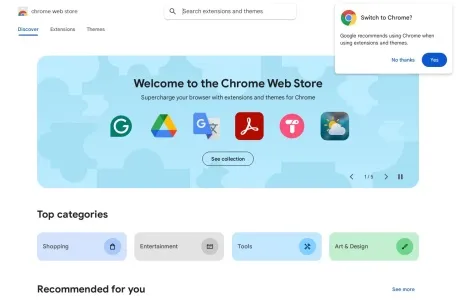
1. Install the extension from the Chrome Web Store.
2. Open any YouTube video.
3. Access the extension panel for transcripts, AI summaries, and time navigation.
4. Download or copy the text as needed.
Transcribe YouTube Video ai chrome extension/plugin core features
AI-driven transcription and summarization
Multi-language support
Time navigation with timestamps
Downloadable transcription document
Copy transcript to clipboard
Related
Jan
An open source, offline ChatGPT alternative that prioritizes privacy and customization.
Quivr
Knowledge base construction tool
LinkFox AI
AI tools designed for cross-border e-commerce
Beamfy
AI vision assistant for visually impaired people
CuriousLM
Local private AI without registration
TellPip
An AI assistant that quietly provides prompts during conversations